How to Protect Your Electronics Before Power Interruptions
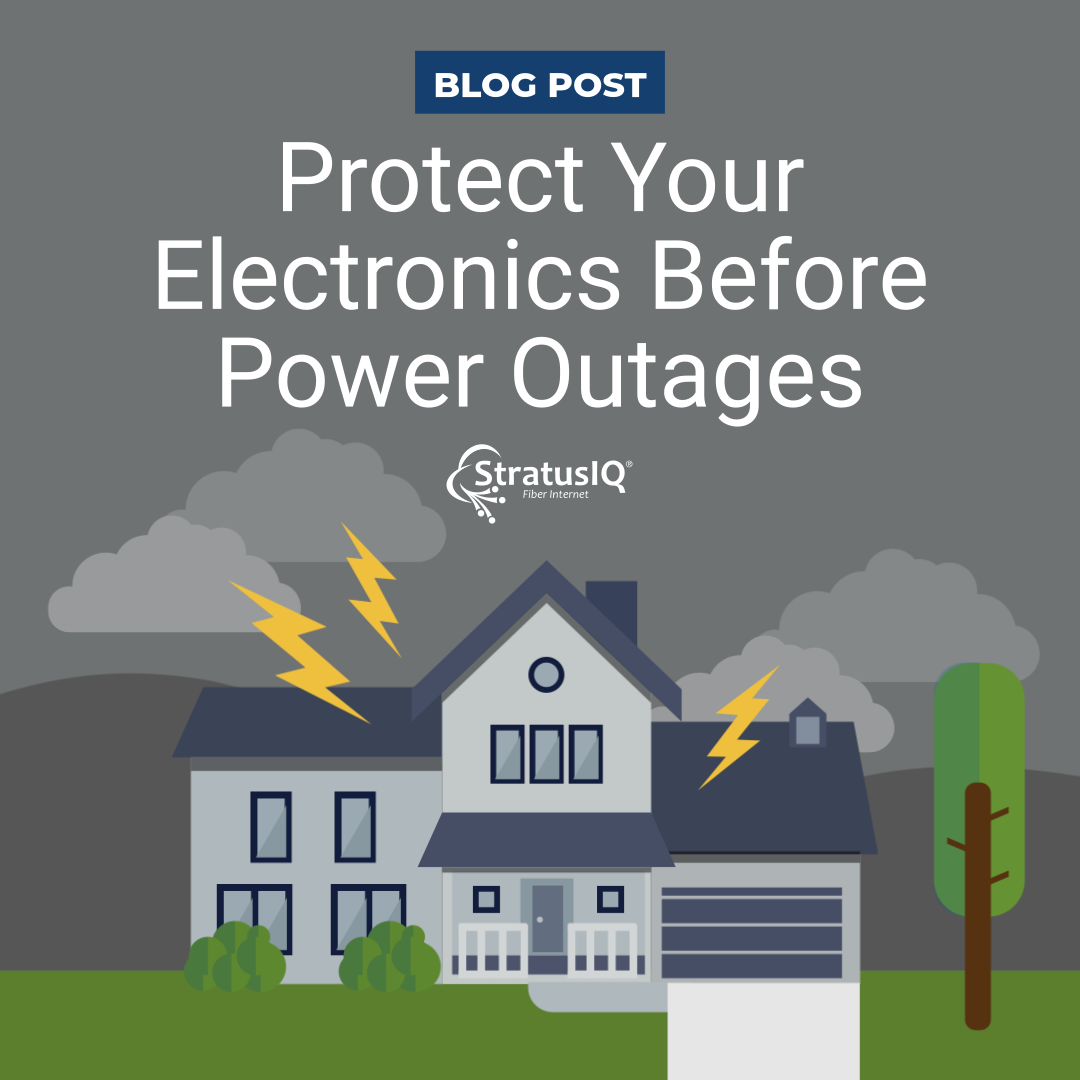
Power interruptions do more than just turn off the lights. If you want to protect electronics from power interruptions, it’s important to understand how sudden voltage changes and electrical surges can damage routers, computers, gaming systems, and other connected devices in seconds.
1. Unplug Electronics to Protect Them From Power Interruptions
Sensitive electronics don’t handle sudden shutdowns well. In addition, lightning strikes near power lines can send intense voltage spikes through your home’s wiring.
If an interruption is scheduled or a storm is in the forecast, unplug critical electronics ahead of time. This simple step helps prevent surge damage and reduces stress on device components.
2. Use Surge Protectors the Right Way
When unplugging isn’t practical, quality surge protectors are essential. A true surge protector redirects excess voltage harmlessly into a ground wire instead of allowing it to reach your devices.
Be sure to:
- Look for a joule rating (not all power strips offer surge protection)
- Plug in only devices within the protector’s electrical limits
- Avoid connecting multiple surge protectors together
For best protection, replace surge protectors every two to three years, or after a significant surge event.
3. Use a Battery Backup or UPS for Essential Devices
Abrupt power loss can damage equipment like routers, computers, security systems, and medical or gaming devices. A battery backup unit (BBU) or uninterruptible power supply (UPS) provides temporary power and allows equipment to shut down safely.
In addition, a UPS can keep your internet connection online for a short time during an interruption, which is especially helpful for receiving updates or alerts.
StratusIQ can help you explore backup power solutions that fit your home setup and connectivity needs.
4. Keep Mobile Devices Fully Charged
During severe weather, your phone or tablet may be your most reliable source of alerts, updates, and communication.
Before storms arrive:
- Fully charge phones and tablets
- Keep portable power banks charged and ready
- Consider a car charger as a backup for longer interruptions
These steps ensure you can stay informed and connected when you need it most.
5. Protect Internet Equipment From Power Interruptions and Surges
Modems, routers, and networking equipment are especially vulnerable because they run continuously and stay connected to power lines at all times.
To protect your connection:
- Plug internet equipment into a surge protector or UPS
- Remember that legacy coaxial or telephone lines can also carry surges, not just power cords
6. Avoid Using Wired Electronics During Lightning
It’s wise to avoid using hardwired devices during active lightning storms. Electronics connected to power lines can carry a surge, even if the strike happens nearby.
When storms move through, stick with battery-powered or wireless devices whenever possible to protect both yourself and your equipment.
7. Check Hardwired Devices After Power Returns
Once electricity is safely restored, inspect electronics before resuming use. Pay attention to:
- Devices that won’t turn on
- Burning smells or visible damage
- Accessories connected to affected equipment, such as webcams or hardwired peripherals
If your router experienced a surge, check connected devices as well. Electricity can travel through Ethernet cables and impact downstream equipment.
If anything seems damaged, leave it unplugged to reduce fire risk. Homeowner’s or renter’s insurance may cover surge-related damage in some cases.
8. Restart Devices After Power Interruptions to Restore Connectivity
Internet service doesn’t always resume automatically after a power interruption. If your connection doesn’t return:
- Unplug your modem and router
- Wait 60 seconds
- Plug them back in and allow them to restart fully
Restart the device you’re using to connect as well. This clears cached network data and often resolves lingering connection issues.
9. Back Up Important Files Regularly
Even with precautions, electronics can fail unexpectedly. Protect important data by following the 3‑2‑1 backup rule:
- 3 copies of your data
- 2 different types of storage
- 1 copy stored offsite or in the cloud
External drives should not remain plugged in constantly, so a power surge doesn’t affect them.
10. Contact StratusIQ if Issues Persist
If you’ve restarted your equipment and connectivity problems continue, contact our local StratusIQ team. We can remotely check your line and help troubleshoot your connection to get everything running properly again.
Stay Prepared, Stay Connected
A few proactive steps today can prevent major frustrations tomorrow. By protecting your electronics ahead of power interruptions, you reduce the risk of device damage, data loss, and extended connectivity issues.
As always, StratusIQ is here to keep you connected through whatever comes your way.